
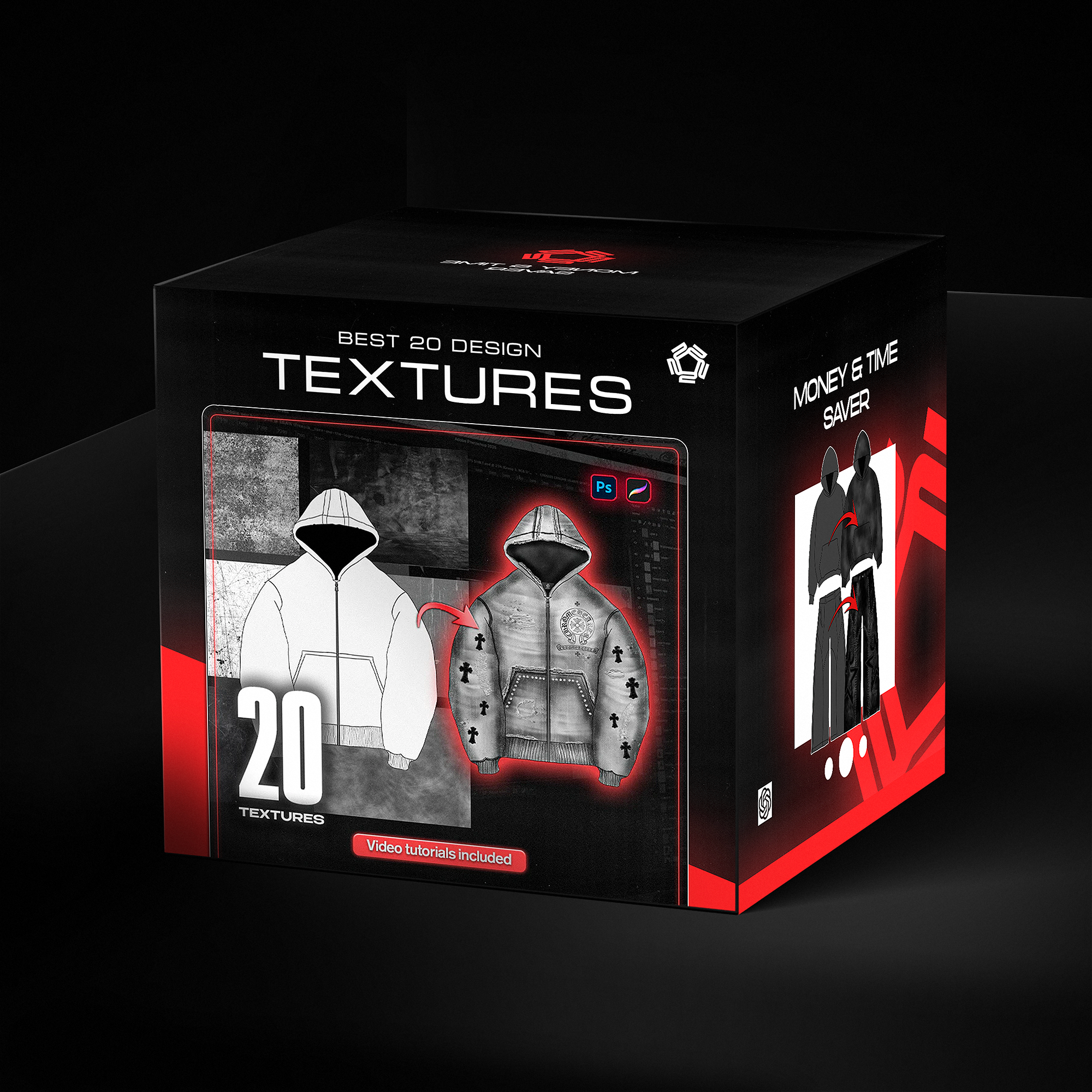


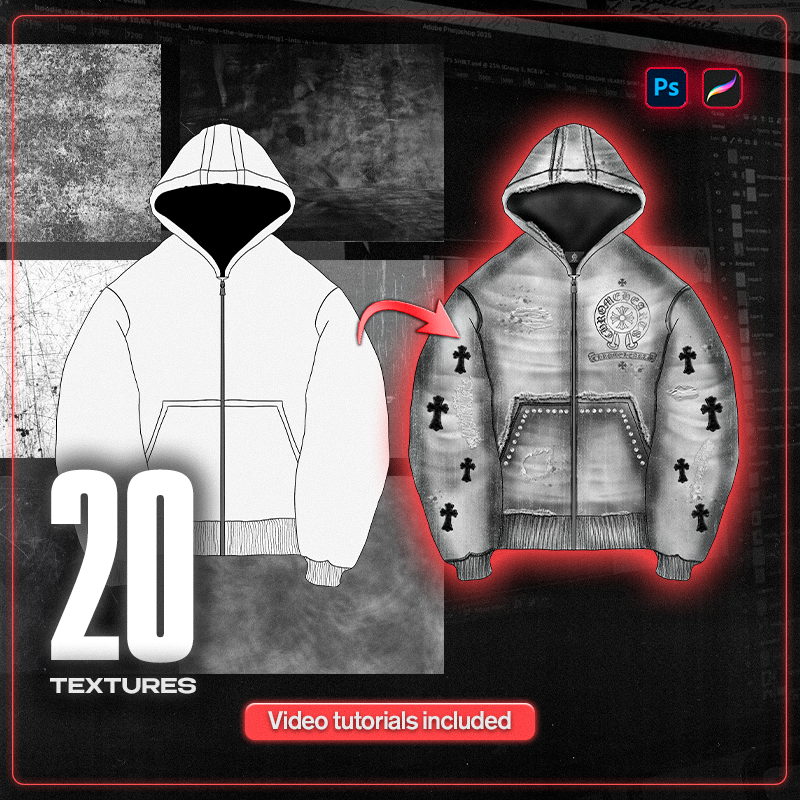
Realistic Textures - Turn Mockups into Real pieces
- Instant download
- Lifetime access
- Free updates
- 100% secure checkout
Works on both Procreate & Photoshop. Same brushes, same results.


mockups, brushes, templates, AI workflows.
Lifetime access included.
Used by Industry Pros

Joan Margarit
Twojeys owner
Creativer Director from Twojeys

@ekindlr
Delarue Owner
Founder of Delarue Studios

@designerofanything
Fashion Designer
Head Designer of Manifest

Madebyizan
Designer & Content Creator
Clothing-related educational content
20
Premium Textures
Crafted specifically for fashion and streetwear design. Add realistic details to your mockups in seconds.
Full Video Tutorials
With step-by-step examples
Showing you how to import and use everything to achieve the best possible results.

Save time: No need to spend hours crafting the ideal distressed embroidery design. These brushes allow you to create insane designs in minutes.
One-time purchase, delivered instantly to your email.
Save time: No need to spend hours crafting the ideal distressed embroidery design. These brushes allow you to create insane designs in minutes.
One-time purchase, delivered instantly to your email.

Easy to use
Pro results. Zero learning curve.
Every brush is designed to make you look like an expert — instantly.
What exactly is included in this bundle?
You'll Receive a Total of 20 High quality Resolution Textures
Download also Comes With a Tutorial and video Demo.
Save time: No need to spend hours crafting the ideal distressed embroidery design. These brushes allow you to create insane designs in minutes.
One-time purchase, delivered instantly to your email.
How do I use it?
Download & Install: After purchase, you’ll get instant access to the texture files along with video tutorials. Download the textures and keep them organized for easy access.
Open in Your Tool: Open your mockup or design in Photoshop or Procreate and place the textures into your project.
Apply Realistic Details: Use the textures to add depth, fabric wear, grain, and realism to your designs. Adjust scale, opacity, blending modes, and masks to perfectly integrate them into your mockups.
Non-Destructive Workflow: Apply textures on separate layers or clipping masks so you can tweak or remove effects at any time without damaging your base design.
Export & Finalize: Export your final piece for presentations, client previews, or production-ready visuals.
Frequently asked questions?
Q: Is this pack suitable for beginners?
A: Absolutely. The included video tutorials guide you step by step, making it easy for beginners while still powerful enough for professionals.
Q: What software do I need?
A: Adobe Photoshop (any recent version) or Procreate. All textures are fully compatible with both.
Q: Can I use these textures for commercial projects?
A: Yes. You’re free to use them in both personal and commercial projects (client work, branding, apparel mockups). Redistribution or resale of the original texture files is not allowed.
Q: Do you offer refunds?
A: Since this is a digital product, refunds aren’t available. However, the textures are carefully crafted to deliver high-quality, realistic results.
Q: What if I need help or have questions?
A: You can reach out via email or the contact form, and support will be happy to assist you.
