
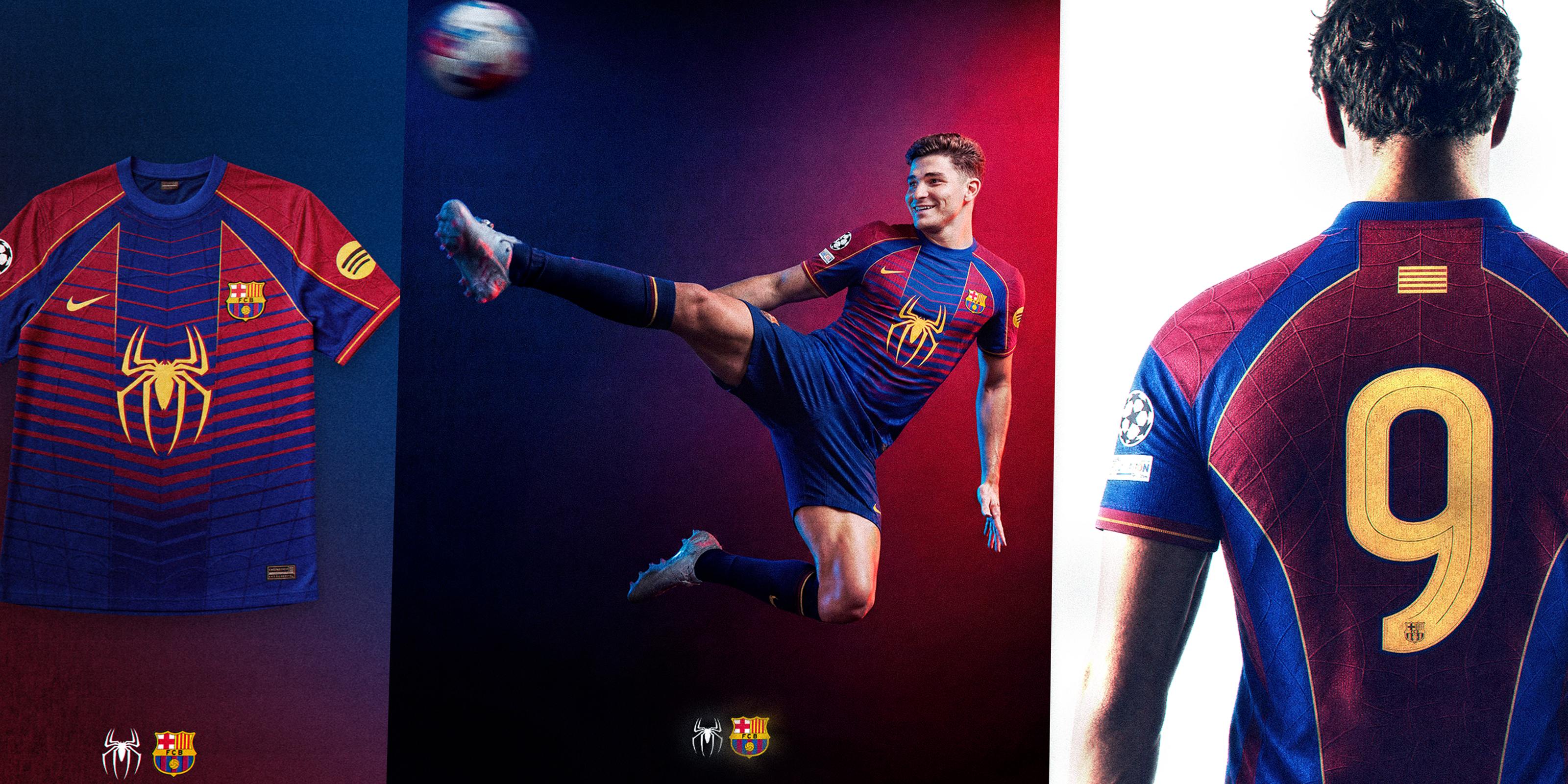
Barça Speedrun — The Full Breakdown (Video + Prompts + PSDs + Moodboard)
- Instant download
- Lifetime access
- Free updates
- 100% secure checkout
Transform flat mockups into realistic product images — no samples needed.

Used by Industry Pros

@designerofanything
Fashion Designer
Head Designer of Manifest

Sam
Deputy Department Owner
Clothing brand owner

Joan Margarit
Twojeys Owner
Founder of Twojeys

Madebyizan
Designer & Content Creator
Design and educational content
18Min
Video tutorial
Deep-dive into the premium workflow. Learn how to create 4K realistic images with paid AI tools — step by step.
4K Quality
Hyper-realistic results
Go beyond basic AI outputs. Create images with perfect lighting, fabric textures, and studio-quality detail.
Pro Techniques
Clean, rebuild, perfect
Learn how to strip logos from real garments, rebuild mockups, and post-edit for results indistinguishable from photos.
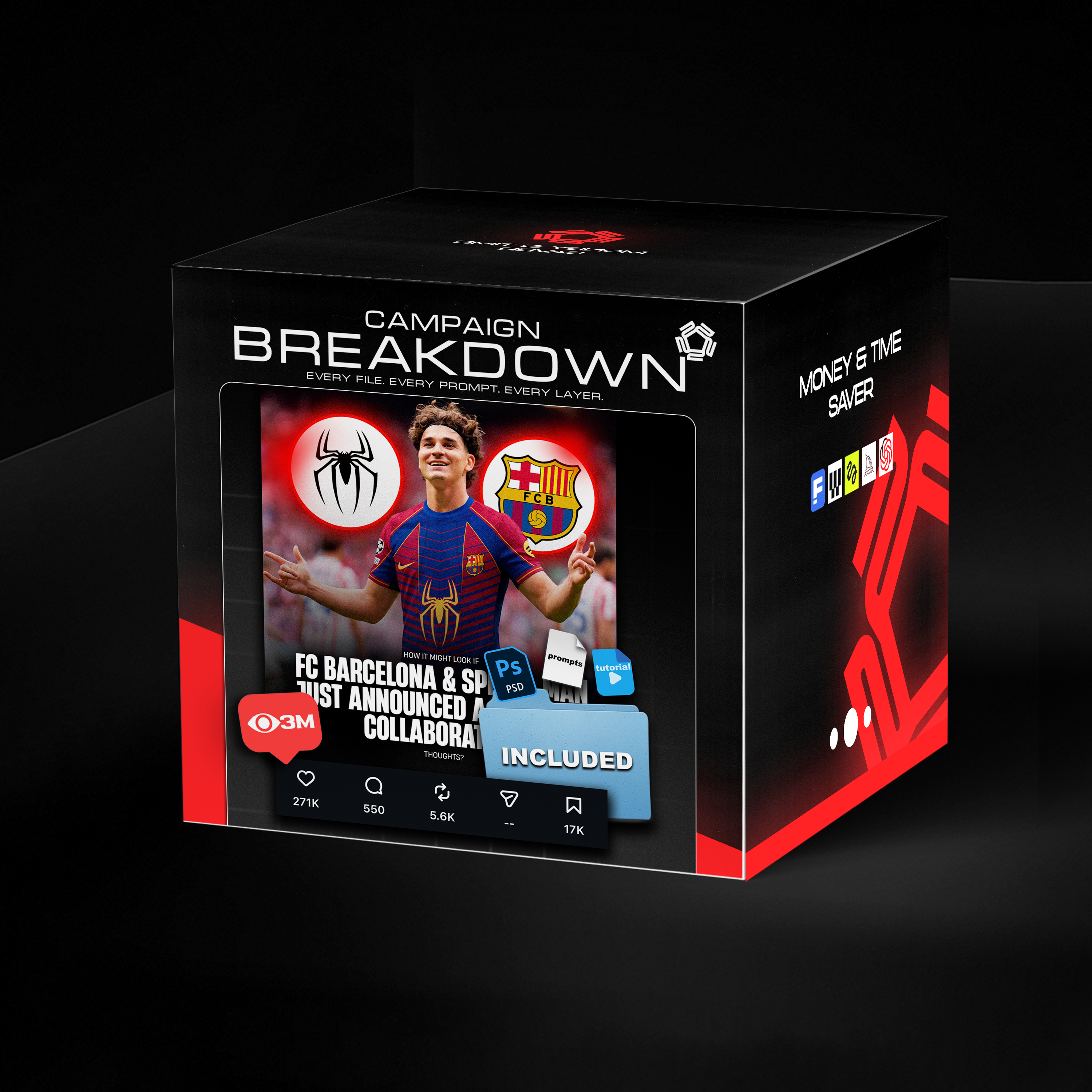
Copy the whole stack. Tutorial, prompts, PSDs, moodboard — the exact files behind a 3M-view drop. Nothing withheld.

Watch the complete workflow from sketch to photorealistic result. Plus a 10-page PDF with prompt templates ready to use.
Copy the whole stack. Tutorial, prompts, PSDs, moodboard — the exact files behind a 3M-view drop. Nothing withheld.
Watch the complete workflow from sketch to photorealistic result. Plus a 10-page PDF with prompt templates ready to use.
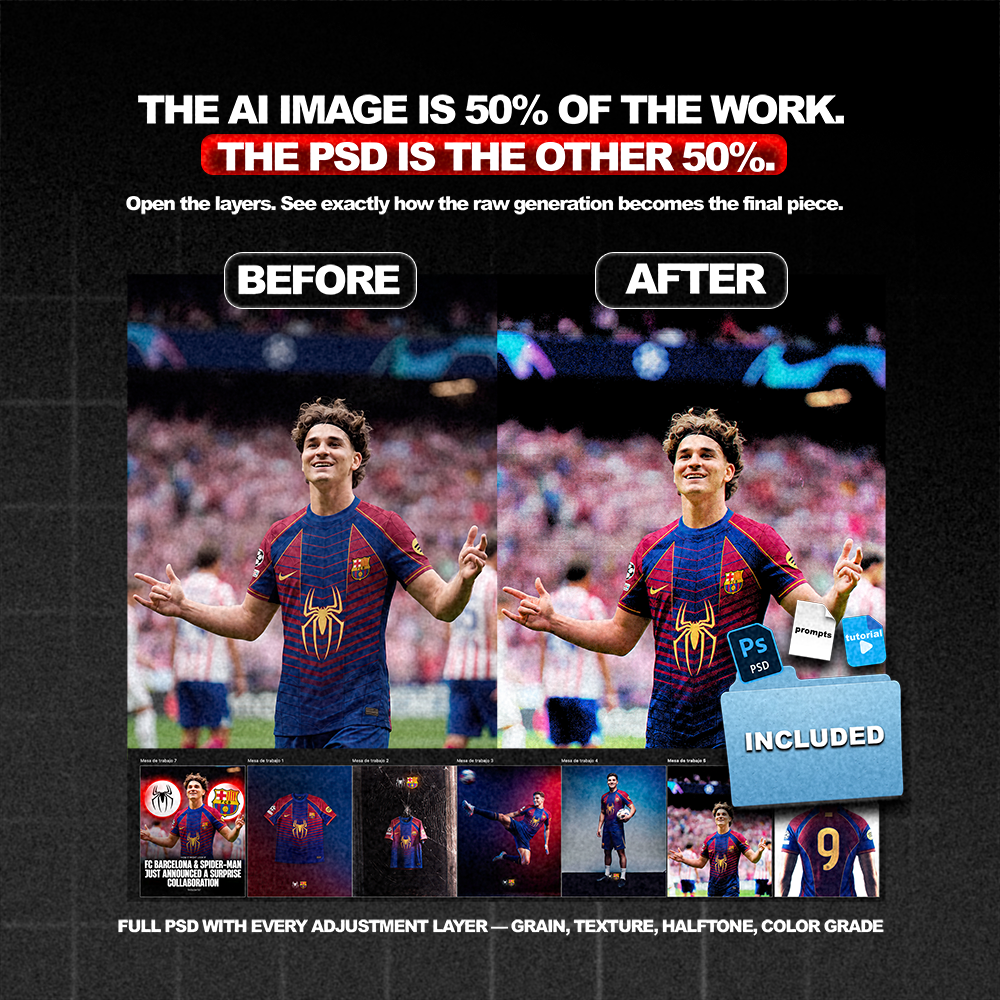
Before/after using the guide
Turn your designs to reality.
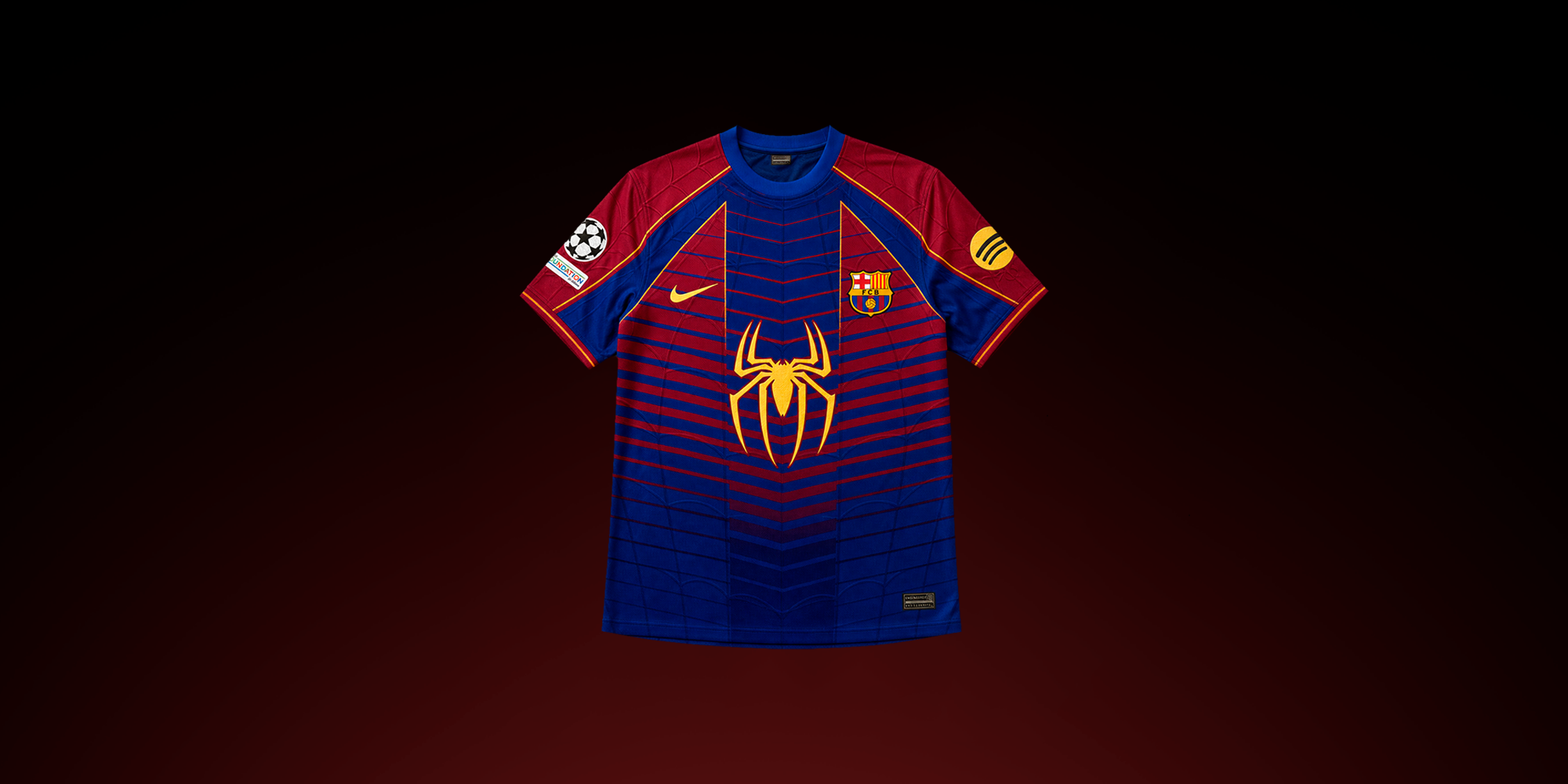
Before
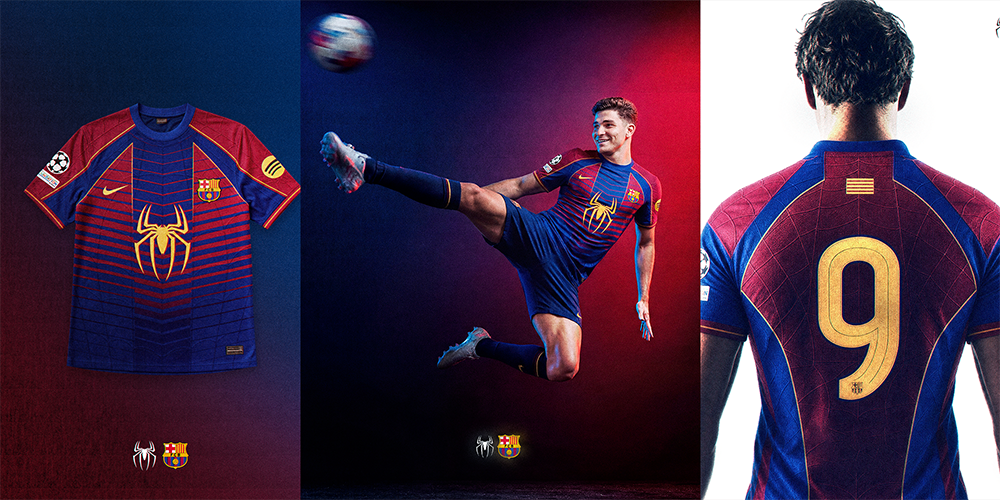
After
What exactly is included in this bundle?
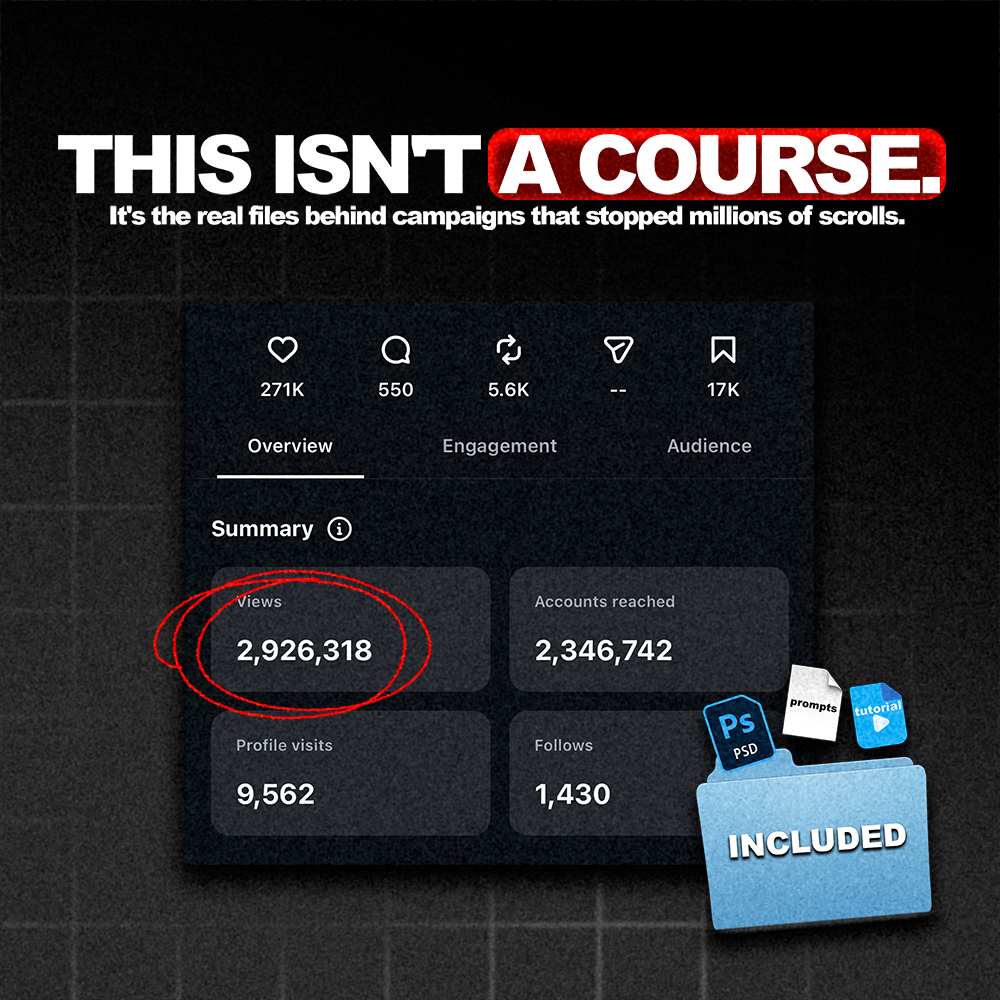
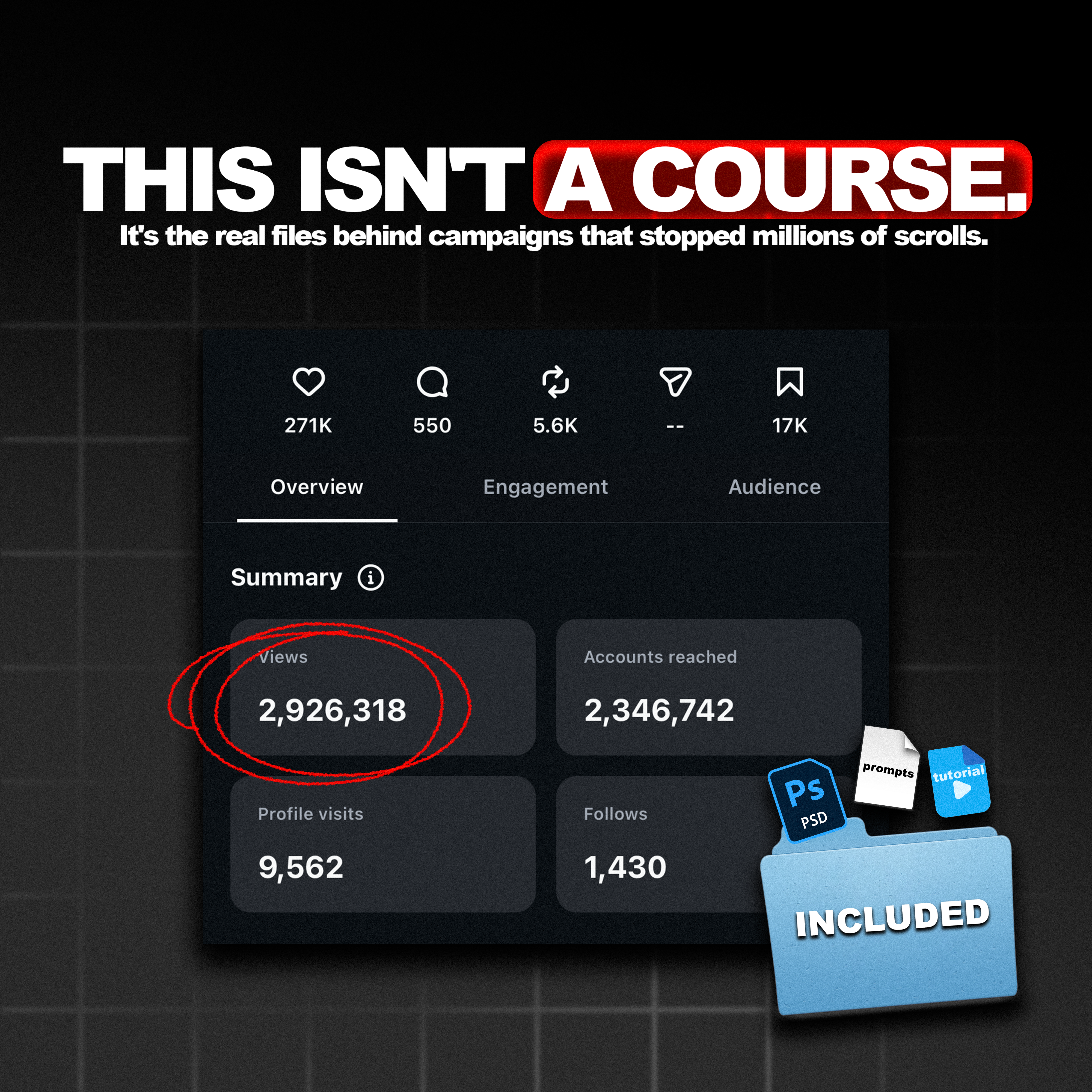
🚀 3M views in 24 hours. Every file behind it.
The Barça × Spider-Man post pulled 2.9M+ views, 271K likes, and 17K saves in less than a day.
No ads. No boost. Pure organic.
The exact stack that made it happen — yours in 60 seconds.
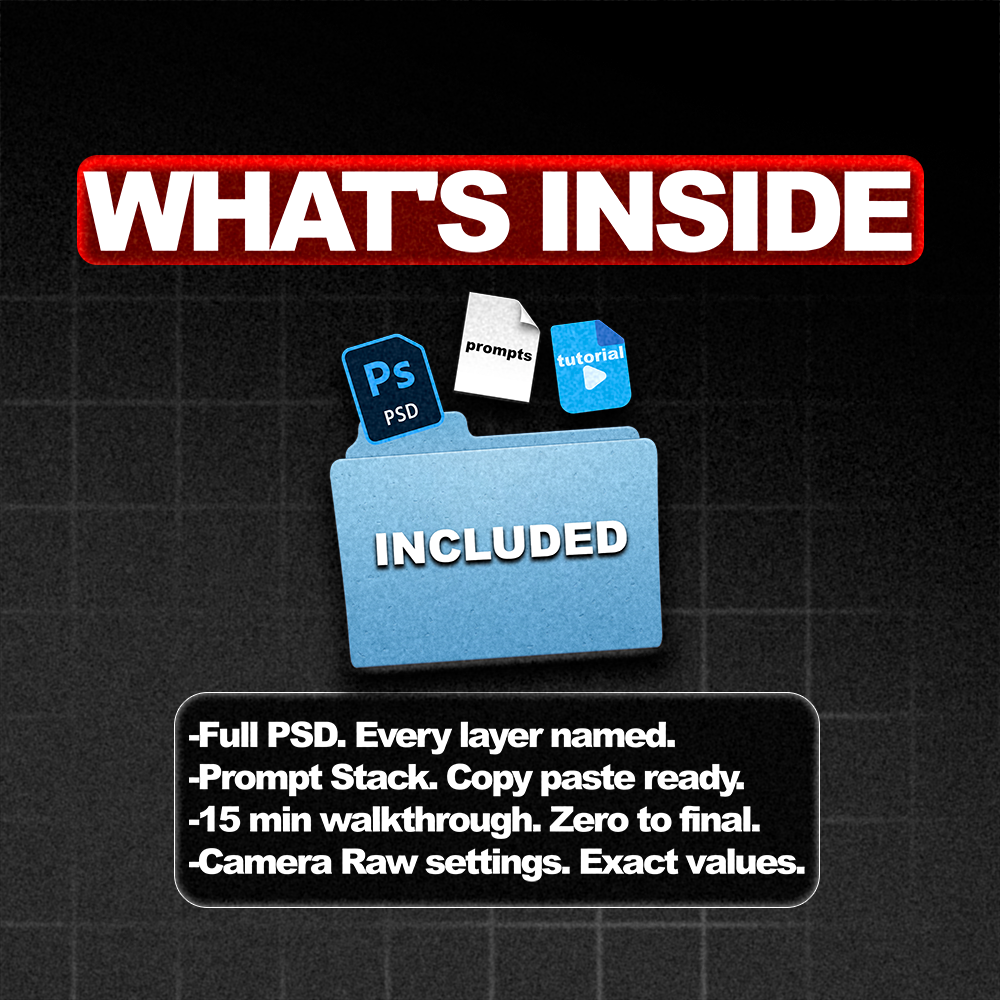
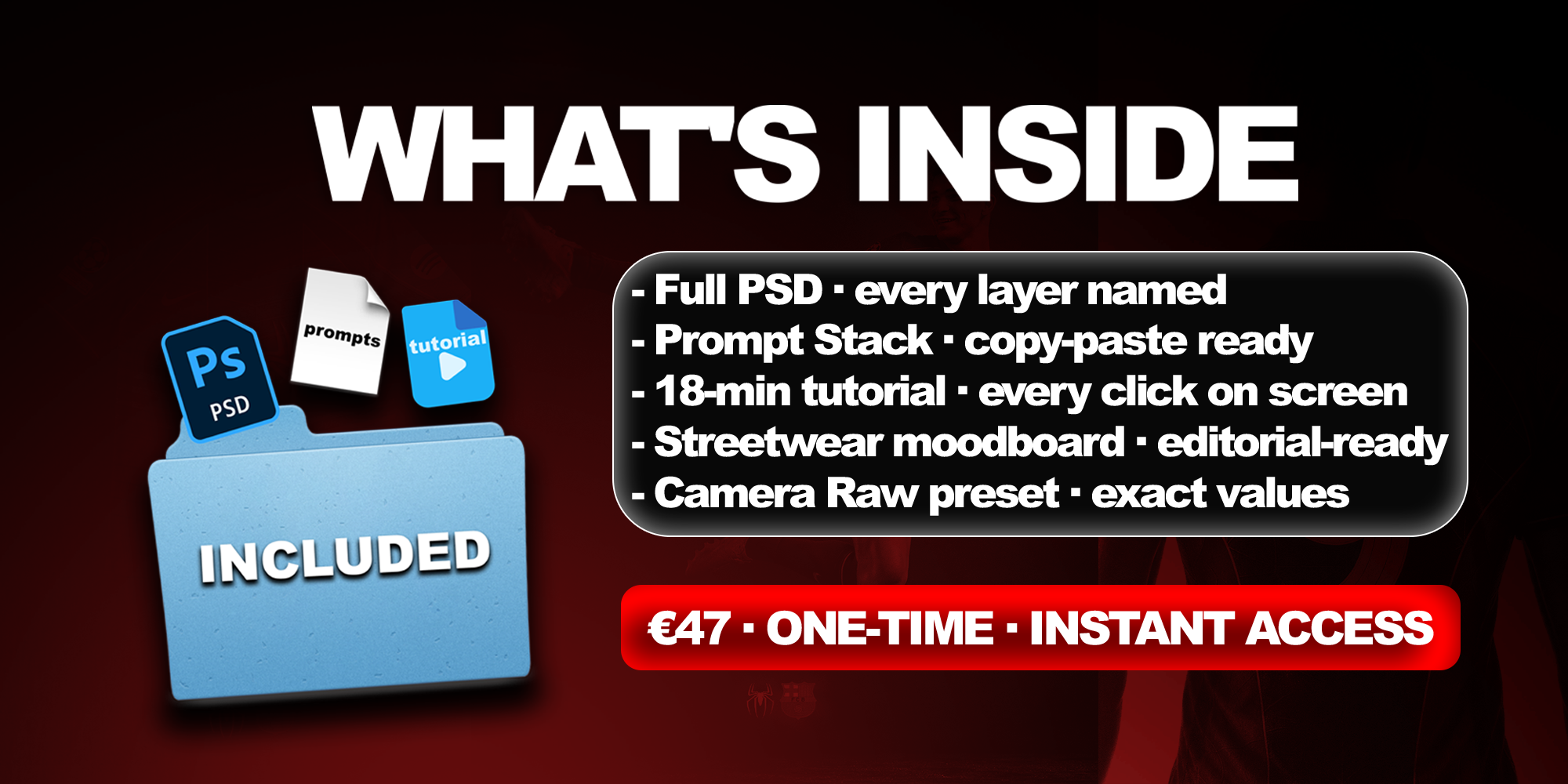
📦 What's inside
🎥 18-min tutorial video
Full unedited walkthrough. Every click, every layer, every prompt.
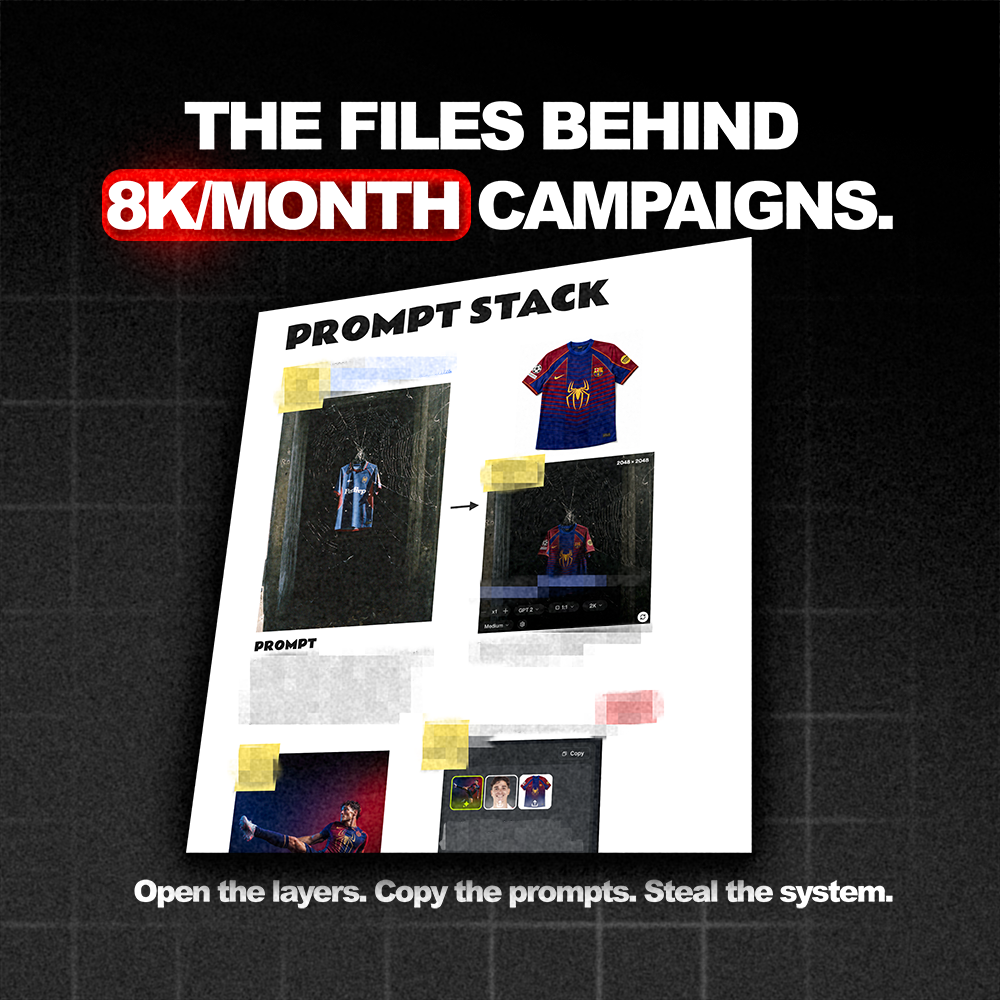
📄 Prompt stack (PDF)
Every prompt from the campaign, verbatim. Copy-paste ready.
🎨 Photoshop PSDs
Every frame, every layer. All live and editable.
🖼️ Streetwear moodboard
The exact moodboard I feed into Higgsfield SOL 2.0.
⚡ The 4-Step Speedrun
01 · Base image — Higgsfield SOL 2.0 + moodboard
02 · Mockup swap — jersey · model · background via GPT Image 2
03 · PSD finishing — textures, grain, halftone, color grade
04 · Signature touch — RGB split · threshold · gaussian glow
AI is 50% of the work. The other 50% is where 99% of creators fail.
🎯 Who this is for
Good fit
✅ Fashion / streetwear / sports designers moving into AI
✅ Brand owners hitting a "flat AI" ceiling
✅ Creators who can prompt but whose output still looks stiff
Not for you
❌ Total beginners who haven't touched AI
❌ Anyone wanting theory over receipts
❌ People allergic to Photoshop
🛠️ What you'll need
- Higgsfield
- GPT Image 2
- Adobe Photoshop
📬 Delivery
✔️ Instant email + Dropbox link
✔️ Yours forever · no expiry · no subscription
✔️ Broken file? DM @madebyizan on IG — same-day fix
💎 Want every breakdown?
Join the AI Designer Academy — $97/mo
→ Every past breakdown (this one included)
→ New drop every week
→ Full prompt library
→ Direct Q&A + 500+ AI designers shipping
Buy 2 breakdowns = 1 month of Academy. Do the math.
How do I use it ?
Download & Access: After purchase, you'll receive instant access to the 18-minute advanced video guide plus the ready-to-use prompt file (.txt).
Set Up Your AI Tool: Open the paid AI software required (link included in the guide). This is the premium workflow — designed for 4K results.
Watch the Video: Follow along step-by-step. I show you exactly how to turn flat designs into hyper-realistic images with perfect lighting and fabric detail.
Learn to Rebuild Mockups: The guide teaches you how to clean and strip logos from real garment photos — turning them into base-ready mockups for your own designs.
Use the Prompts: Copy my exact prompts from the included .txt file. Paste, adjust, generate.
Post-Edit for Perfection: Follow the finishing workflow to polish your AI outputs and make them indistinguishable from real studio photos.
Frequently Asked qUESTIONS
Q: How is this different from the Beginner Guide?
A: The Beginner Guide (€19,99) uses free AI tools and covers the basics in 8 minutes. This Advanced Guide uses premium paid tools, goes deeper (18 minutes), and produces 4K hyper-realistic results with advanced techniques like mockup rebuilding.
Q: What AI software do I need?
A: This guide requires paid AI software. The exact tool and link are included — just click and get started.
Q: Do I need to take the Beginner Guide first?
A: Not required, but recommended if you're completely new to AI image generation. If you already understand the basics, you can start here.
Q: What's included in the prompt file?
A: A .txt file with my exact prompts — tested and refined for realistic lighting, fabric textures, and editorial aesthetics. Just copy, paste, and generate.
Q: What does "rebuild mockups" mean?
A: I show you how to take real garment photos, remove logos and patterns, and turn them into clean bases you can use for your own designs.
Q: Will my images look "AI-generated"?
A: No. The advanced techniques and prompts are specifically designed to eliminate the generic AI look. You'll get 4K results with studio-quality lighting and realistic fabric detail.
Q: Can I use the results for my brand?
A: Yes. Use the images you create for your store, social media, lookbooks, pre-orders — whatever you need.
Q: How will I receive the guide?
A: Instantly after purchase. Download link sent to your email with the video file and prompt file included.
Q: Do you offer refunds?
A: As a digital product, all sales are final. But with 18 minutes of advanced training and ready-to-use prompts, you'll have everything to start creating 4K visuals immediately.
