
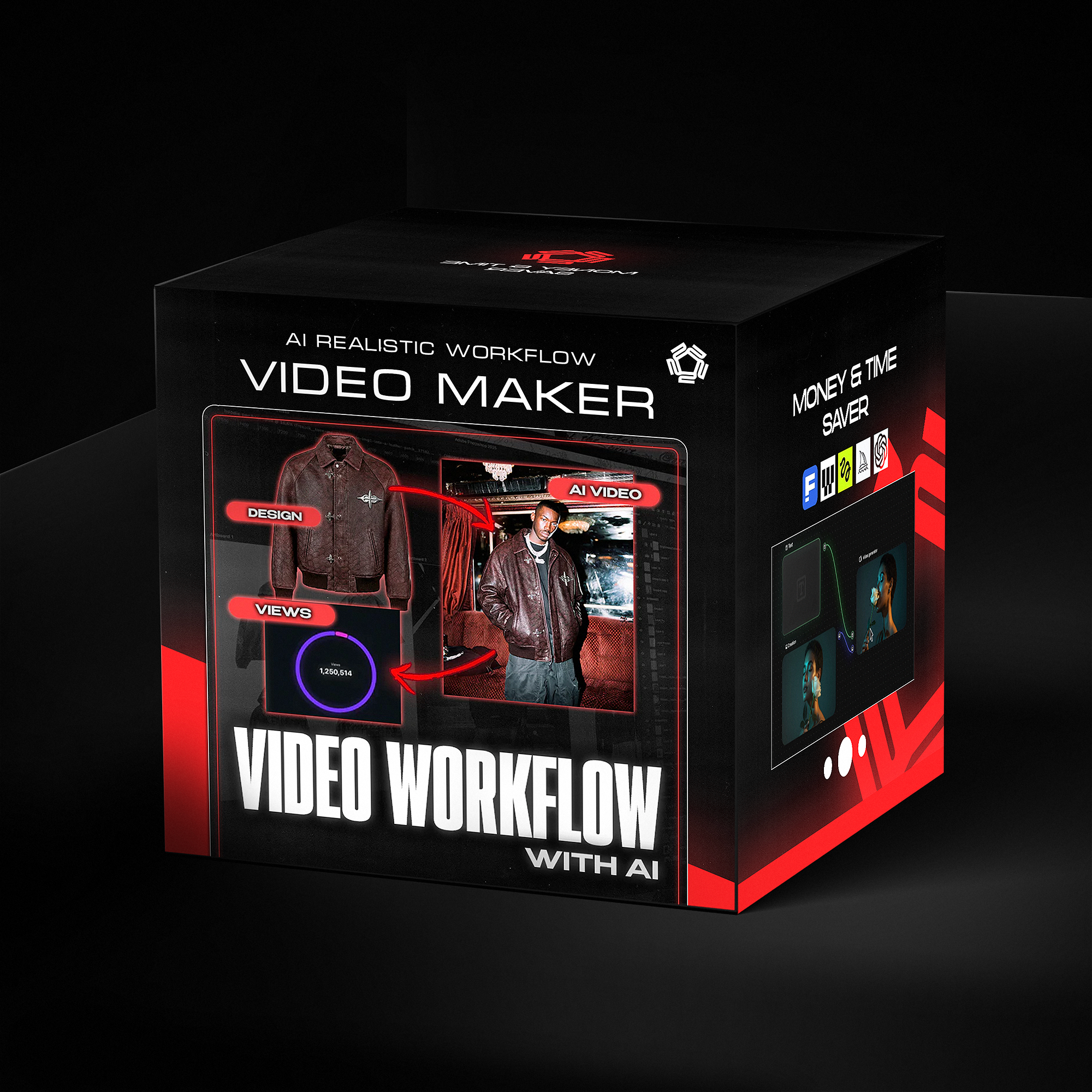
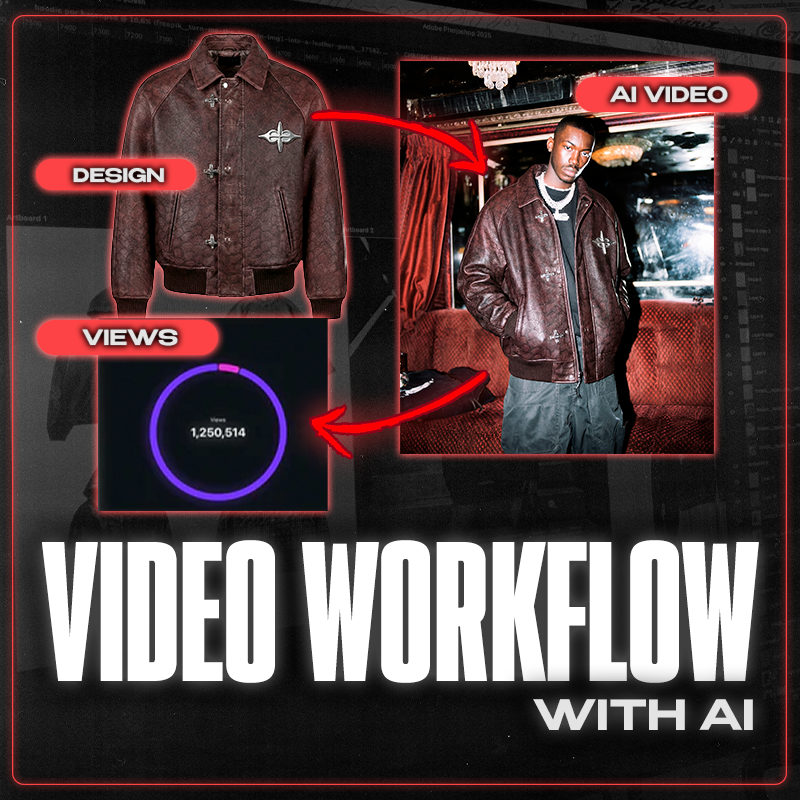
AI VIDEO WORKFLOW CAMPAIGN - Produce viral-level videos from your streetwear designs.
- Instant download
- Lifetime access
- Free updates
- 100% secure checkout
Create cinematic brand videos from your designs — no models, no studios, no shooting days.


Used by Industry Pros

@designerofanything
Fashion Designer
Head Designer of Manifest

Sam
Deputy Department Owner
Clothing brand owner

Joan Margarit
Twojeys Owner
Founder of Twojeys

Madebyizan
Designer & Content Creator
Design and educational content
Full
Video workflow guide
From flat mockup to cinematic campaign video. Learn my exact process — model creation, scene building, and final edit.
Viral-Ready
Campaign videos in minutes
Skip photographers, models, and expensive productions. Create scroll-stopping content for your brand — instantly.
Prompts + Settings
My exact workflow included
Get the precise prompts, parameters, and tools I use for consistent lighting, movement, and cinematic style.

Learn how to transform flat mockups into stunning, photorealistic fashion images using AI. Validate your ideas, create content, and launch faster.

Watch the complete workflow from sketch to photorealistic result. Plus a 10-page PDF with prompt templates ready to use.
Learn how to transform flat mockups into stunning, photorealistic fashion images using AI. Validate your ideas, create content, and launch faster.
Watch the complete workflow from sketch to photorealistic result. Plus a 10-page PDF with prompt templates ready to use.
What exactly is included in this bundle?
Bring your clothing designs to life with cinematic AI video — no models, no studios, no shooting days.
This advanced guide (video + PDF) walks you through the exact workflow I use to create high-end AI video campaigns for streetwear brands, transforming a simple mockup into a complete visual story.
Perfect for fashion creators, designers, and brand owners who want to produce professional campaign videos in minutes, not weeks.
💡 What’s inside:
🎥 Step-by-step video workflow
Learn how to turn a flat mockup into a full AI-generated campaign video — from model creation to final cinematic edit.
🧠 My exact prompts & settings
Get the precise prompts, parameters, and tools I use to achieve consistent lighting, movement, and visual style in AI video.
🧥 How to prep your mockups
Clean and rebuild garments, remove logos/patterns, and prepare base-ready mockups for perfect AI generation.
🎬 Build full scenes & transitions
Discover how to generate campaign-style environments, poses, and dynamic shots that look professionally directed.
🛠 Post-editing workflow
Learn the final editing touches I use to make AI video outputs look polished, smooth, and studio-ready.
📁 Real examples included
Full breakdown from product → model → photoshoot → campaign video.
🚀 Why you need this guide:
-
Skip photographers, models, and expensive productions.
-
Create cinematic videos for your brand — instantly.
-
Test designs, colors, and styles before producing samples.
-
Perfect for pre-orders, lookbooks, ads, and social media campaigns.
-
Learn the exact process top streetwear brands are using to create AI-driven content.
✅ What you get
✔ Full AI Video Workflow Guide (MP4)
✔ PDF Workflow Map (Prompts + Breakdown)
✔ Works with paid AI video tools (links included)
✔ Designed specifically for fashion & streetwear creators
If you want, I can also write:
🔥 a shorter version
🔥 a more luxury/premium version
🔥 a version for your website, Gumroad, Shopify, Etsy
🔥 call-to-action lines, headlines, or thumbnail text
How do I use it ?
Download & Access: After purchase, you'll receive instant access to the full video workflow guide (MP4) plus the PDF workflow map with all prompts and settings.
Set Up Your AI Video Tool: Open the paid AI video software required (link included in the guide). This workflow is designed for cinematic results.
Watch the Full Workflow: Follow along as I transform a flat mockup into a complete AI-generated campaign video — from model creation to final edit.
Prep Your Mockups: Learn how to clean garments, remove logos, and prepare base-ready images for perfect AI video generation.
Build Scenes & Movement: Use my exact prompts and settings to generate campaign-style environments, dynamic poses, and smooth transitions.
Post-Edit for Polish: Apply the finishing techniques to make your AI video outputs look smooth, cinematic, and studio-ready.
Export & Publish: Your videos are ready for TikTok, Reels, brand decks, lookbooks, and ad campaigns.
Frequently Asked Questions
Q: What can I create with this guide?
A: Full campaign videos for your brand — product showcases, model shots, lookbook clips, social media content, and ad creatives. All from your flat designs, no filming required.
Q: What AI software do I need?
A: This guide requires paid AI video tools. The exact software and links are included — just click and get started.
Q: Do I need video editing experience?
A: Basic knowledge helps, but the guide walks you through the entire process step-by-step. If you can follow instructions, you can create campaign videos.
Q: How is this different from the image guides?
A: The Beginner and Advanced guides create static images. This guide creates motion — cinematic videos with movement, transitions, and dynamic scenes.
Q: What's included exactly?
A: Full AI Video Workflow Guide (MP4), PDF Workflow Map with all prompts and breakdowns, and links to the required AI tools.
Q: Will my videos look "AI-generated"?
A: The prompts and settings are specifically designed for cinematic quality — consistent lighting, smooth movement, and professional aesthetics. Not generic AI output.
Q: Can I use these videos for my brand?
A: Yes. Use everything you create for your store, social media, ads, client work, pre-orders — whatever you need.
Q: Do I need samples or models?
A: No. That's the point. Create full campaign content from your designs — no photographers, no models, no studio, no budget.
Q: How will I receive the guide?
A: Instantly after purchase. Download link sent to your email with all files included.
Q: Do you offer refunds?
A: As a digital product, all sales are final. But with the complete workflow, prompts, and post-editing techniques, you'll have everything to start creating viral-ready videos immediately.
