
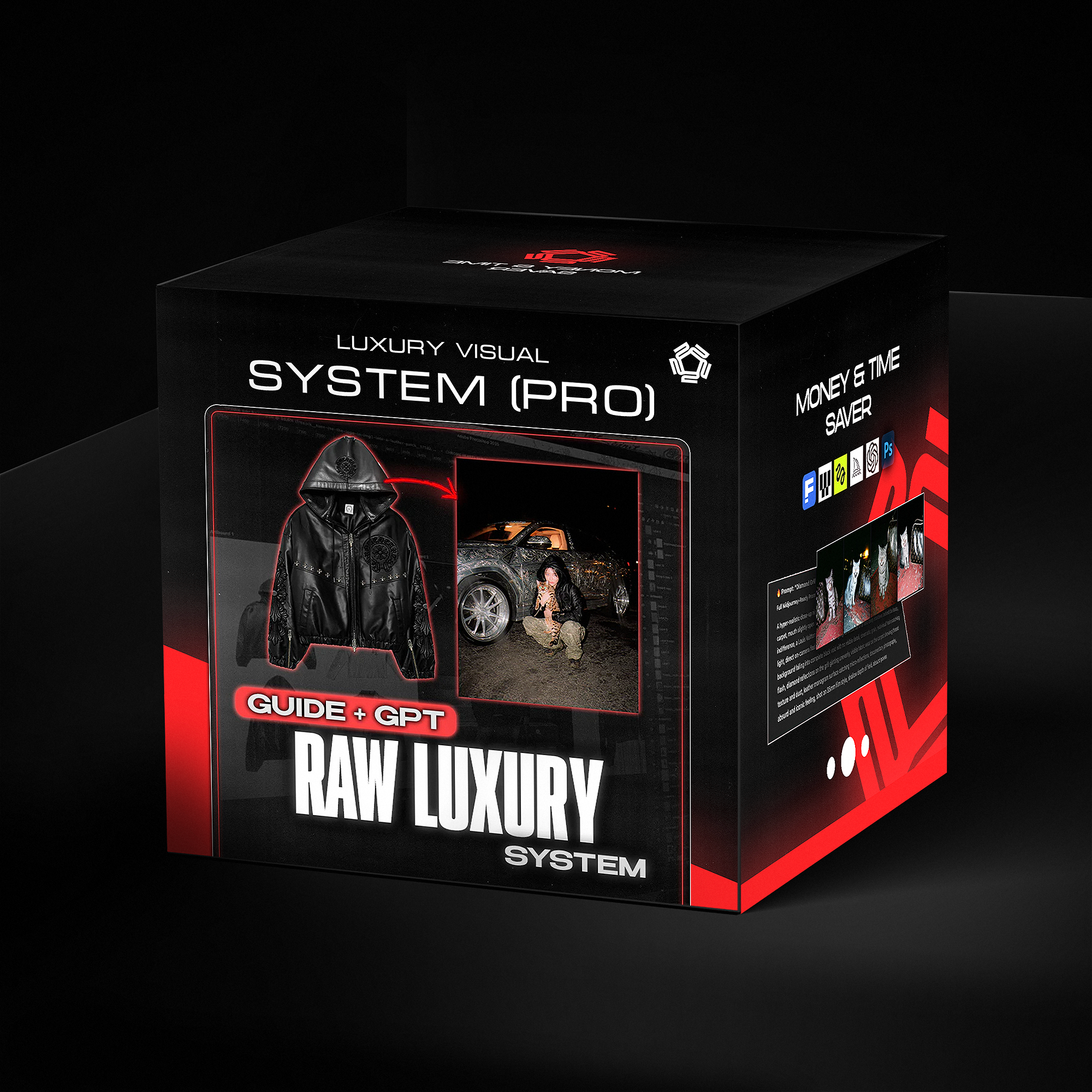


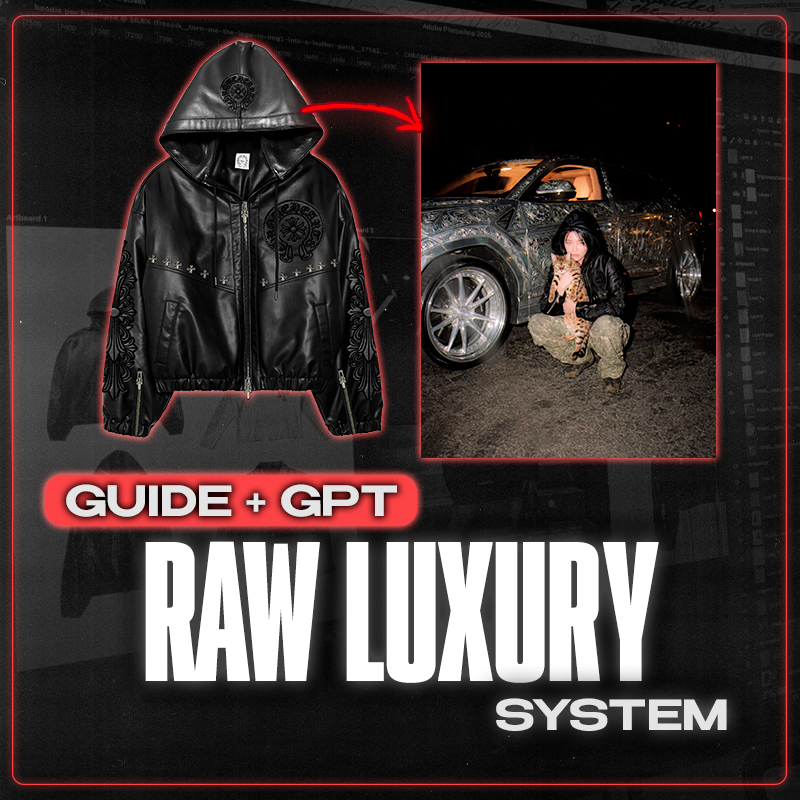
Raw Luxury Visual System — Product Guide
- Instant download
- Lifetime access
- Free updates
- 100% secure checkout
Transform flat mockups into realistic product images — no samples needed.


Used by Industry Pros

@designerofanything
Fashion Designer
Head Designer of Manifest

Sam
Deputy Department Owner
Clothing brand owner

Joan Margarit
Twojeys Owner
Founder of Twojeys

Madebyizan
Designer & Content Creator
Design and educational content
22 Min
Advanced video tutorial
Deep-dive into the premium workflow. Learn how to create 4K realistic images with paid AI tools — step by step.
4K Quality
Hyper-realistic results
Go beyond basic AI outputs. Create images with perfect lighting, fabric textures, and studio-quality detail.
Pro Techniques
Clean, rebuild, perfect
Learn how to strip logos from real garments, rebuild mockups, and post-edit for results indistinguishable from photos.

Direct flash. 35mm hard flash film grain. The complete prompt system that makes this viral images.

Watch the complete workflow from sketch to photorealistic result. Plus a 10-page PDF with prompt templates ready to use.
Direct flash. 35mm hard flash film grain. The complete prompt system that makes this viral images.
Watch the complete workflow from sketch to photorealistic result. Plus a 10-page PDF with prompt templates ready to use.
Before/after using the guide
Turn your designs to reality.

Before
After
What exactly is included in this bundle?
Your AI images look like AI. This system fixes that.
Raw Luxury is a complete visual operating system for generating hyper-realistic flash photography with Midjourney — images that look like they were shot at 3am on 35mm film, not rendered by a computer.
Direct flash. Crushed blacks. Visible skin pores. Fingerprints on chrome. Grain. Chaos. Luxury.
This is the exact system behind my viral content. Now it's yours.
WHAT'S INSIDE
✓ Custom GPT System Prompt — Copy-paste into ChatGPT. Generates Raw Luxury prompts on command.
✓ Full Notion Guide — 7 sections covering visual DNA, prompt structure, and production workflow.
✓ 10 Gold Standard Prompts — The exact prompts that define the aesthetic. Copy. Paste. Generate.
✓ Prompt Element Library — 100+ modular building blocks to create infinite variations.
✓ 6 Subject Category Guides — Cars, Portraits, Animals, Religious, Danger Objects, Fashion/Branding. Each with mandatory rules, texture specifics, and "never do" lists.
✓ 3-Step Production Pipeline — Midjourney → Nano Banana Pro → Photoshop. Complete workflow with settings.
✓ 15-Point Quality Checklist — Validate every image before posting.
✓ Prohibition List — Every word that kills the aesthetic, with exact replacements.
THIS IS FOR YOU IF:
→ You're tired of AI images that look "generated" → You want a consistent visual identity, not random experiments → You're building a portfolio, brand, or content library with AI → You want to understand prompt engineering at a system level → You need images that make people ask "what camera did you use?"
THIS IS NOT FOR YOU IF:
✗ You want soft, bright, colorful imagery ✗ You're looking for quick prompts without learning the system ✗ You don't use Midjourney
HOW IT WORKS
- Download the Notion guide and GPT system prompt
- Set up the custom GPT (takes 2 minutes)
- Request any Raw Luxury concept — the GPT generates the prompt
- Paste into Midjourney and generate
- Refine and polish using the production pipeline
- Post images that don't look like AI
INSTANT DELIVERY
After purchase, you'll receive immediate access to:
- Notion guide link (duplicate to your workspace)
- GPT system prompt (.md file)
- Knowledge document (.md file)
No waiting. Start generating tonight.
FAQ
Do I need Midjourney Pro? The system works with any Midjourney subscription, but v5+ is recommended.
Is this just a prompt pack? No. This is a complete system: theory, structure, library, guides, pipeline, and checklist. The prompts are included, but the goal is teaching you to build your own.
What skill level do I need? Beginner-friendly. If you can paste a prompt into Midjourney, you can use this system.
One system. Infinite images. Zero AI look.
BULLET POINTS (For Shopify Product Features Section)
- Complete prompt engineering system for Midjourney
- Custom GPT that generates Raw Luxury prompts on command
- 10 gold standard prompts (copy-paste ready)
- 100+ modular prompt elements
- 6 subject category guides with rules and prohibitions
- 3-step production pipeline (Midjourney → Nano Banana Pro → Photoshop)
- 15-point quality checklist
- Full Notion guide (duplicate to your workspace)
- Instant digital delivery
How do I use it ?
Download & Access: After purchase, you'll receive instant access to the 18-minute advanced video guide plus the ready-to-use prompt file (.txt).
Set Up Your AI Tool: Open the paid AI software required (link included in the guide). This is the premium workflow — designed for 4K results.
Watch the Video: Follow along step-by-step. I show you exactly how to turn flat designs into hyper-realistic images with perfect lighting and fabric detail.
Learn to Rebuild Mockups: The guide teaches you how to clean and strip logos from real garment photos — turning them into base-ready mockups for your own designs.
Use the Prompts: Copy my exact prompts from the included .txt file. Paste, adjust, generate.
Post-Edit for Perfection: Follow the finishing workflow to polish your AI outputs and make them indistinguishable from real studio photos.
Frequently Asked qUESTIONS
Q: How is this different from the Beginner Guide?
A: The Beginner Guide (€19,99) uses free AI tools and covers the basics in 8 minutes. This Advanced Guide uses premium paid tools, goes deeper (18 minutes), and produces 4K hyper-realistic results with advanced techniques like mockup rebuilding.
Q: What AI software do I need?
A: This guide requires paid AI software. The exact tool and link are included — just click and get started.
Q: Do I need to take the Beginner Guide first?
A: Not required, but recommended if you're completely new to AI image generation. If you already understand the basics, you can start here.
Q: What's included in the prompt file?
A: A .txt file with my exact prompts — tested and refined for realistic lighting, fabric textures, and editorial aesthetics. Just copy, paste, and generate.
Q: What does "rebuild mockups" mean?
A: I show you how to take real garment photos, remove logos and patterns, and turn them into clean bases you can use for your own designs.
Q: Will my images look "AI-generated"?
A: No. The advanced techniques and prompts are specifically designed to eliminate the generic AI look. You'll get 4K results with studio-quality lighting and realistic fabric detail.
Q: Can I use the results for my brand?
A: Yes. Use the images you create for your store, social media, lookbooks, pre-orders — whatever you need.
Q: How will I receive the guide?
A: Instantly after purchase. Download link sent to your email with the video file and prompt file included.
Q: Do you offer refunds?
A: As a digital product, all sales are final. But with 18 minutes of advanced training and ready-to-use prompts, you'll have everything to start creating 4K visuals immediately.
